
Smarter Lockdown.
Greater control.
Explore the new Lockdown experience with the SOTI ONE Platform.
Book a demo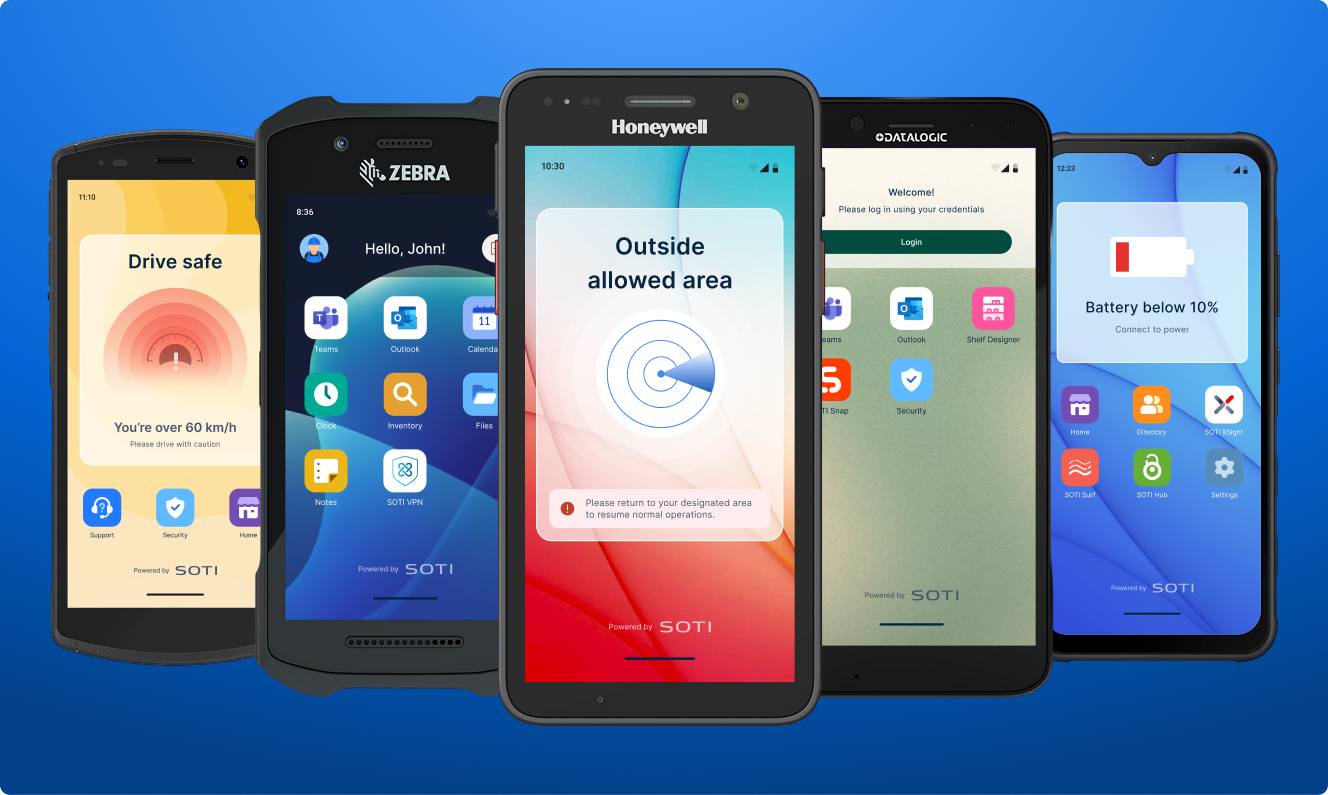
What is Lockdown?
Lockdown replaces the device’s native Home screen with a custom interface.
It simplifies shared device access, setup, and protection.
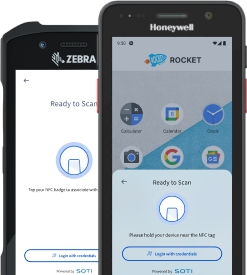
Users access their apps instantly with NFC tags or QR code and PIN.
IT Admins configure and build lockdowns in minutes with a setup wizard and design tool.
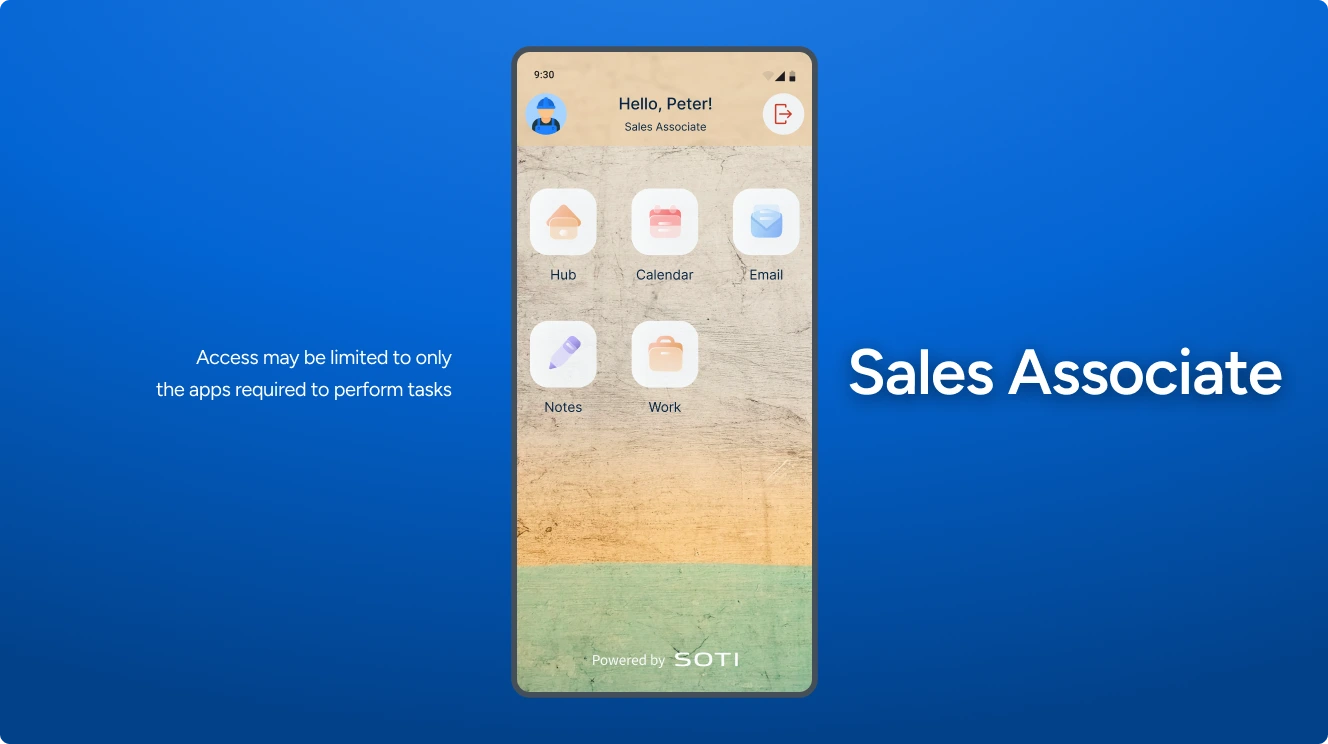
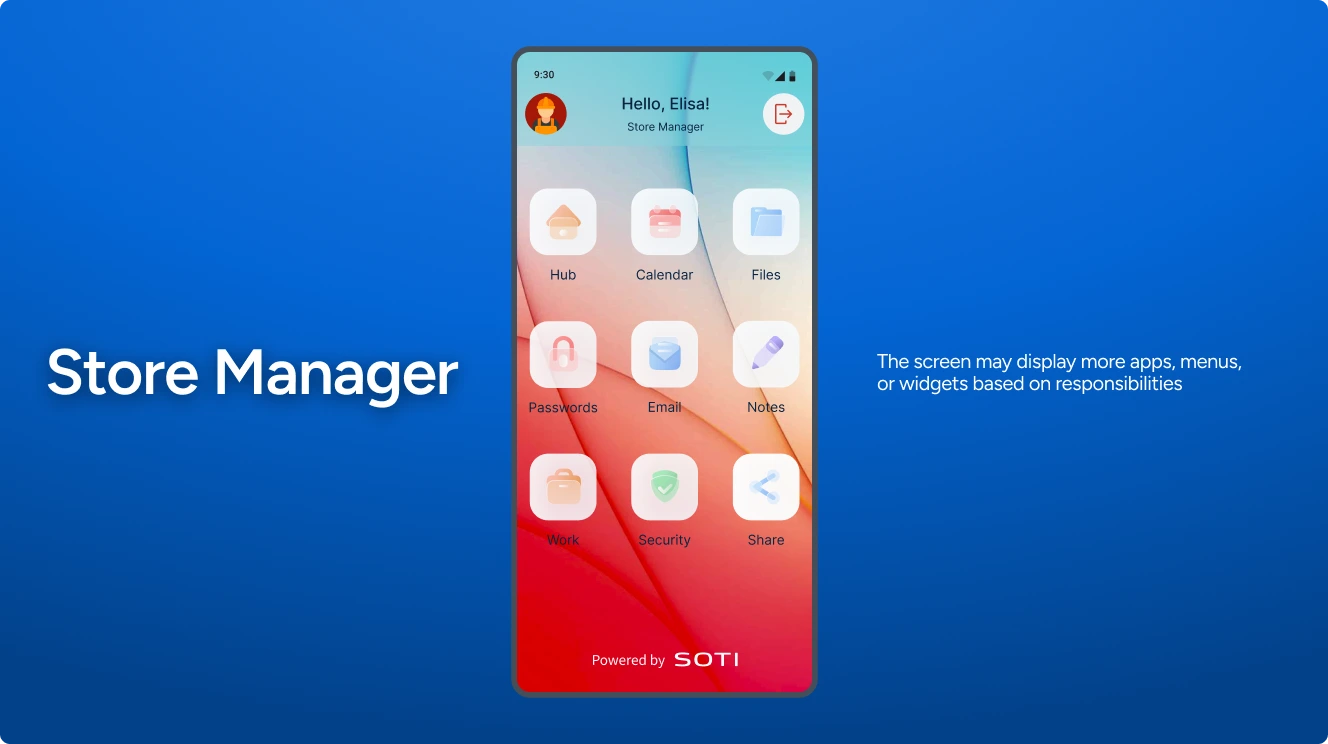
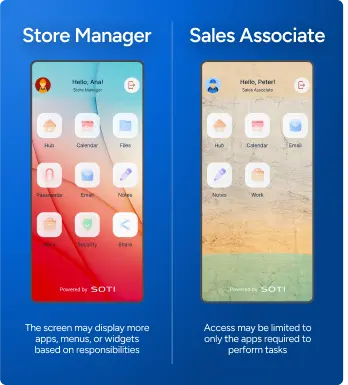
Custom Home screens adapt to each role, enabling shared devices to serve more users.
Home screens change in real time based on conditions like speed, location, or battery.
Revolutionize your screen design
with SOTI Snap
Lockdowns become more than screens with SOTI Snap. They become SOTI Snaps apps
with widgets, menus and controls. Use them to launch native apps or trigger scripts.
Visual editor,
no coding needed
Arrange and customize widgets to design Home screens. Ideal for teams seeking flexibility without technical complexity.
Speed up your process
Drag-and-drop simplifies onboarding and allows for quick changes, enabling faster iterations and deployment.
Contextual screens
Display different Lockdown Home screens for specific user roles or usage contexts.
Customizable user flows
Create user flows that support your operations and guide users through essential steps such as authentication and task completion.
Preview as you build
Review changes in real time to adjust layout, behavior and content before deploying.
Flexibility for any scenario
Build Home screens for different Lockdown
conditions and customize the experience for each.
Transform the way you build
Discover how the drag-and-drop capability of SOTI Snap transforms Lockdown Home screen design by giving you speed, flexibility and complete control.
Bring Lockdown screens to life with SOTI Snap apps
Empower your workforce by converting your manual, paper-based processes into digital workflows that eliminate costs, delays and inconsistencies.
Convenient data capture
Transform any device into a data capture tool for photos, videos, audio, files, NFC tag scans and more.
Approval workflows
Enable multi-stage processes where data collected by one user may require review and approval from another.
Learn more
personalize everything
Lockdown is no longer one-size-fits-all. With integrated authentication, screens adapt to the user,
allowing for shared devices and personalized access for every role.
Authentication
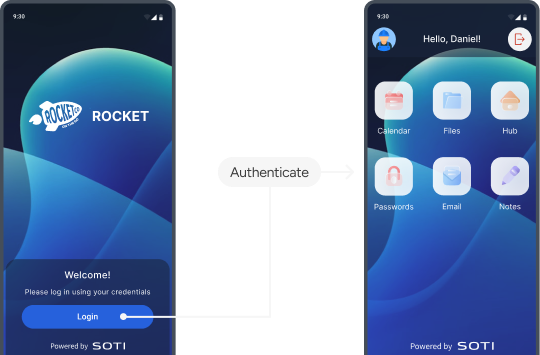
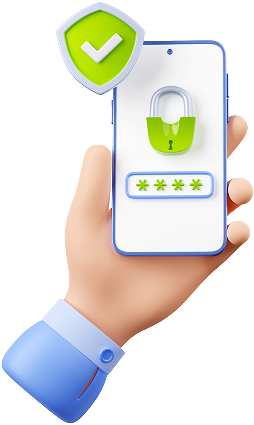
Define how users verify their identity and control what they’re authorized to access with dynamic login Home screens.
Single sign-on (SSO)
Simplify login by providing users with a secure set of credentials through Microsoft Authenticator and SOTI Mobile SSO.
Dynamic screens before and after login
Control what users see both before and after they log in, revealing a custom experience once they log in.
Federated authentication
Integrate Lockdown with trusted authentication systems to manage user roles and permissions.
Shared devices
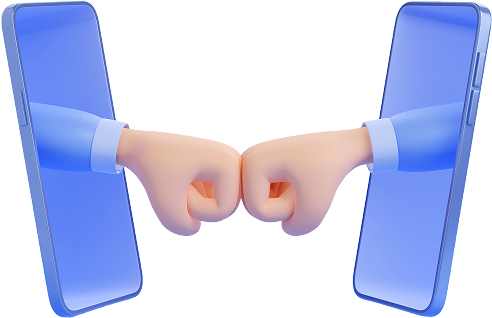
A single device can now serve multiple users by delivering a custom experience to each.
One device, multiple roles
Explore how the Lockdown experience changes based on the user's role,
showing only what's relevant to them.
Real-time
protection
From security risks to operational disruptions, businesses need a reliable way to keep devices functional and secure, no matter where they are. Lockdown gives you control over your devices even when conditions change.
Cellular
Protect devices in the
event of an unauthorized
SIM card replacement.
Geofence
Restrict device usage
if it’s outside of a
designated area.
Speed
Limit device usage when
users are driving above a
prescribed speed.

Out of contact
Protect devices that
haven’t checked in with
the deployment server
for an extended period.

Low battery
Prevent unexpected
downtime resulting
from drained devices.

A unified platform for
smarter Lockdown
A suite of SOTI products works together to
power a Lockdown
experience that’s secure, intelligent, and tailored to every user.
Secure device
access
through SOTI Identity
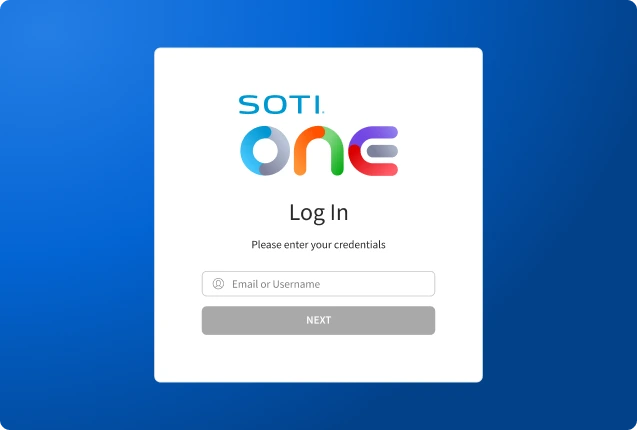
Streamline your user management by configuring user roles, groups and access permissions from a single place.
Learn more
Log in with NFC
Users can log in with a tap using NFC tags, speeding up access while ensuring security.
Multi-factor authentication (MFA)
Add a layer of protection through DUO, Okta, OneLogin and other trusted MFA providers.

Operational Intelligence with SOTI XSight
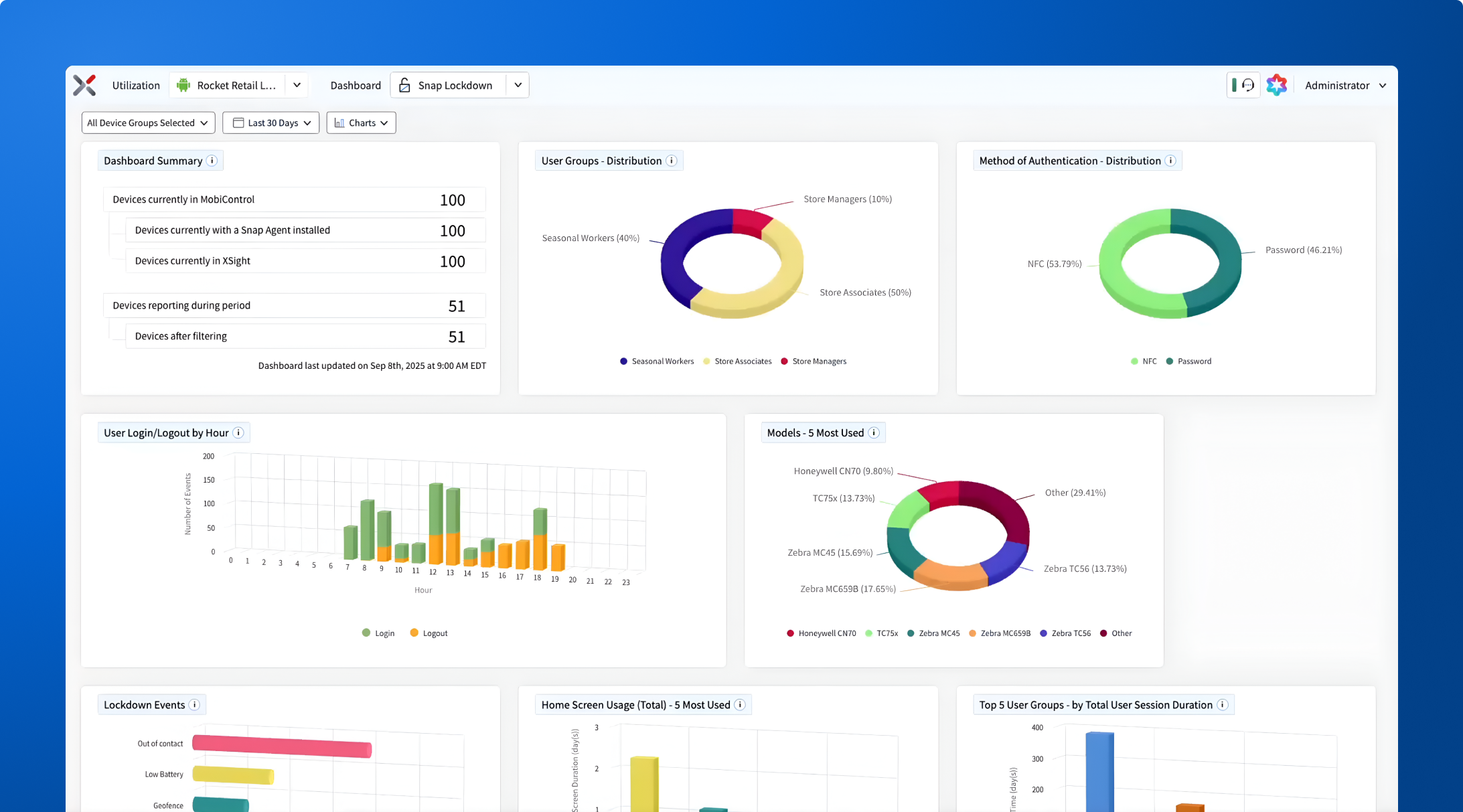
Monitor performance and make data-driven decisions that optimize your SOTI Snap-powered Lockdown experiences.
Learn more
Troubleshoot in the field
Analyze real-time data such as app usage, login/logout events and triggered conditions
to
resolve issues affecting devices.
Examine using custom attributes
Segment your devices and users with
custom attributes to
filter data and compare
performance across different attributes.

Redesign screens based
on app usage
Use data to make screen layout more
intuitive and efficient,
improving employee productivity and satisfaction.
Analyze specific user or device
Gain granular insights of any single user or
device to
understand their unique behavior
and provide personalized support.

Measure active/inactive usage
Analyze true device utilization by defining custom
active/inactive rules: any
app launch, select app
launches or successful user authentication.

All the products powering
your Lockdown experience
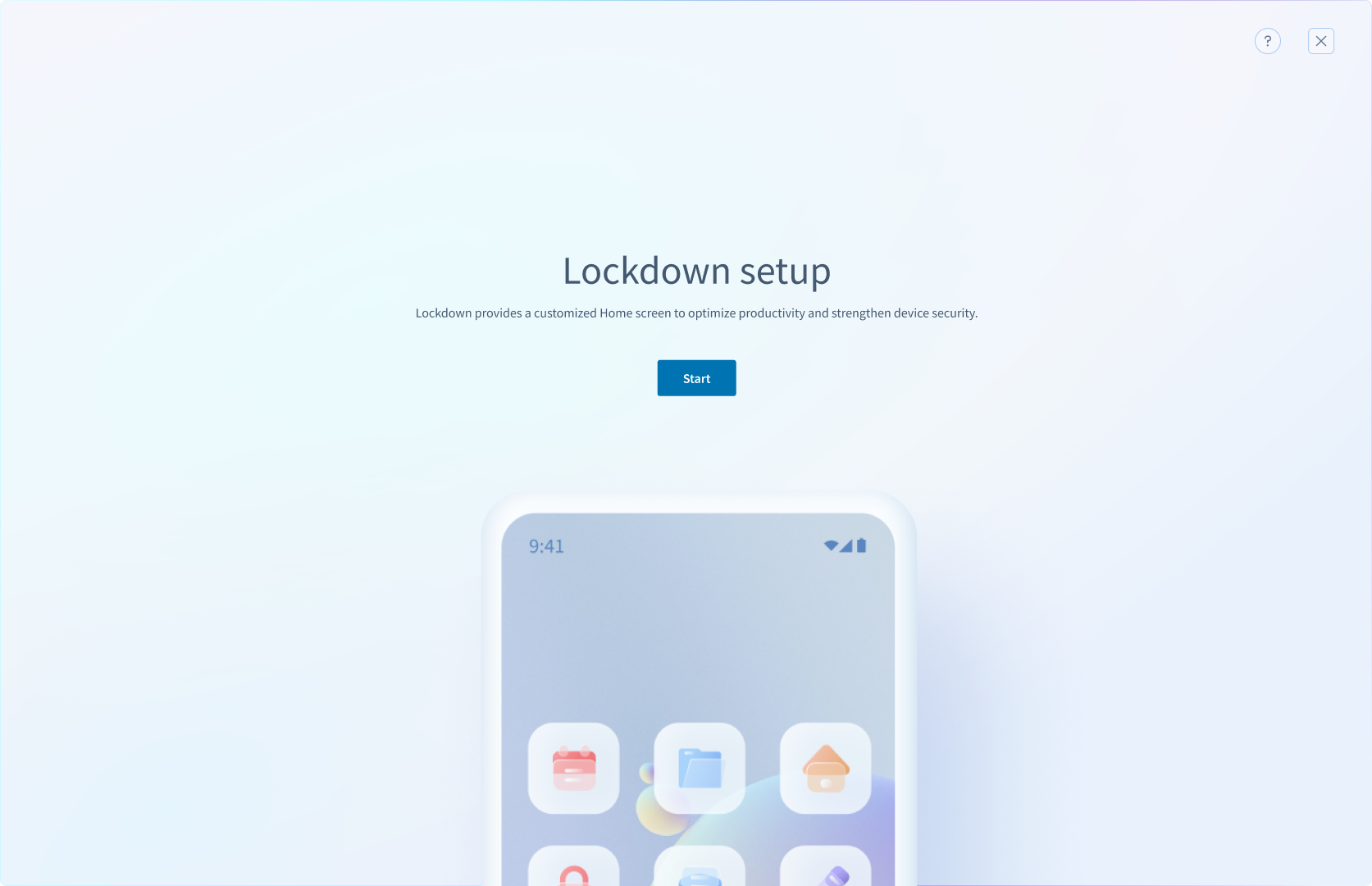
Lockdown setup
Define lockdown triggers, configure app and feature permissions, and design screens using the HTML editor.
Ready to try it out?
Start your trial
Experience the power of Lockdown with a free trial.
Talk to an expert
Have questions? Our experts have answers.
Book a demo
Check Lockdown in action and see how it fits your needs.